






Finding and Using the Power Apps Sample Templates

Contents
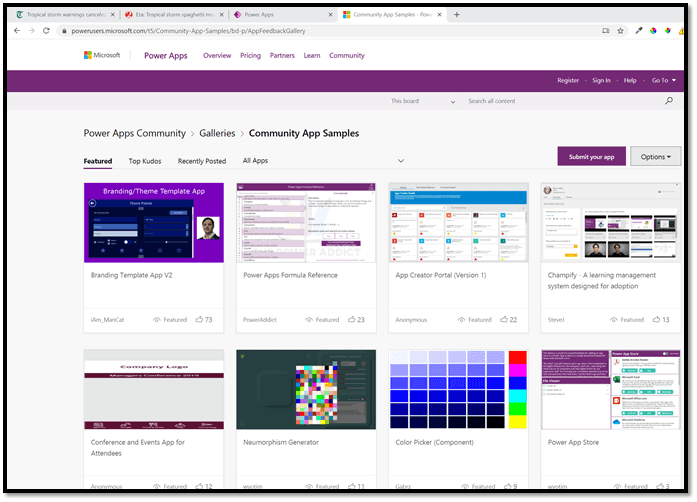
In addition to the over 500 community samples a lot of people don’t realize the product comes with a plethora (in case you ever wondered how many is a “Plethora”: in this case it is 34<g>) of amazing samples and templates.
https://powerusers.microsoft.com/t5/Community-App-Samples/bd-p/AppFeedbackGallery
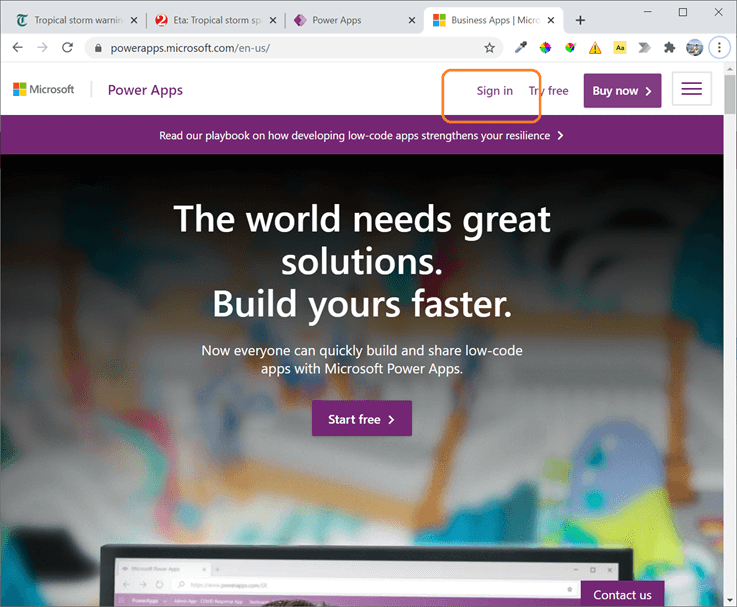
To use the built-in samples and templates, log into PowerApps.com.
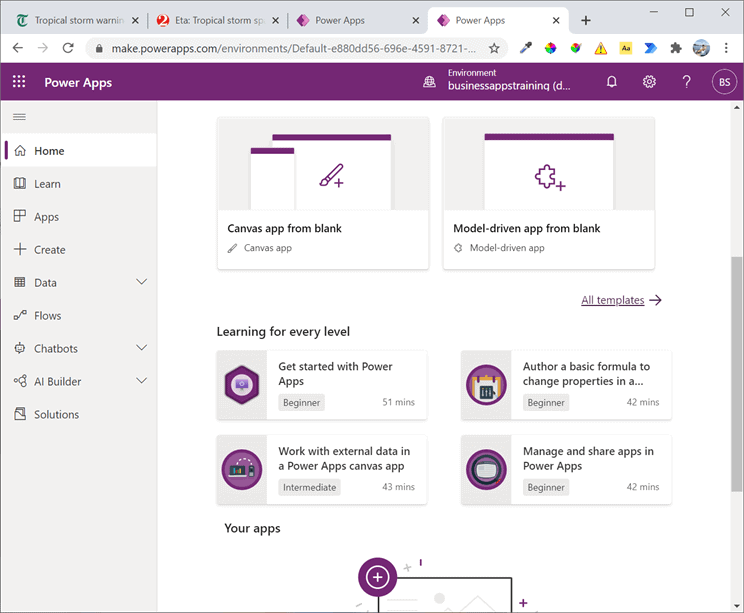
Then from the home screen select “All Templates”.
Note: This the same selecting “Create” on the left most navigation.
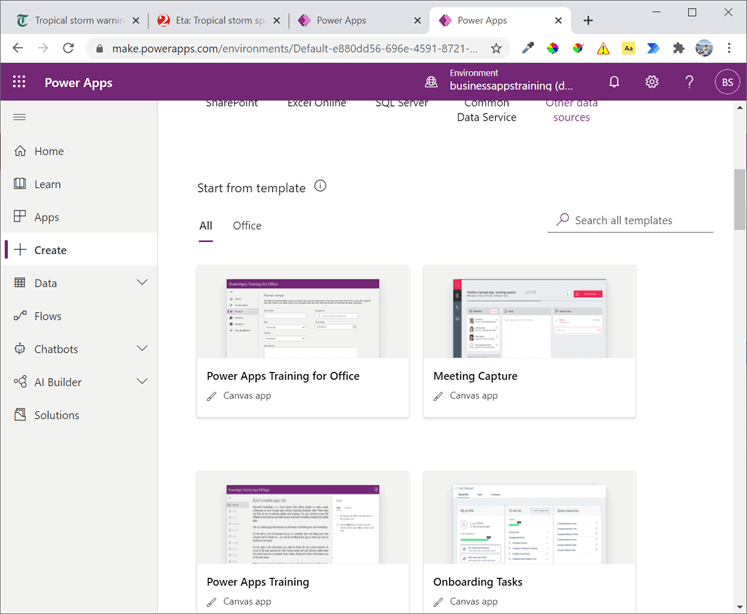
Scroll about 1/3 of the way down and you will find the built in application templates.
If you are looking for a suggestion/starting point the training template is hard to beat!
Note: this does not include the Project Oakdale templates!
Those are even easier to locate and use as they are called out in the documentation here!
https://docs.microsoft.com/en-us/powerapps/teams/use-sample-apps-from-teams-store
Remember if you have need training on Power Apps you can find that here: https://aka.ms/powerappstraining
Find more great content here!
Reference:
Sterling, C. (2021). Finding and using the Power Apps Sample Templates. Available at: https://sterlingsdotlife.wordpress.com/2020/11/09/finding-and-using-the-power-apps-sample-templates/ [Accessed: 3rd March 2021].
Find more great Power Platform content here.


