





ESPC 2022 Gallery
Explore photos from ESPC22 showcasing keynotes, workshops and the vibrant Microsoft 365 community.
ESPC Amsterdam26
RAI, AMSTERSAM, 30TH NOV - 3RD DEC
European Power Platform Conference
BELLA CENTER, COPENHAGEN, 29 JUN - 02 JUL 2026
European Microsoft Fabric Community Conference
BARCELONA, SPAIN, 28 SEP - 01 OCT, 2026



Explore highlights, keynotes, tutorials and sessions from ESPC22.
ESPC22 highlighted the ongoing evolution of Microsoft 365, Azure and hybrid workplace technologies. The programme covered themes such as hybrid server management, information architecture for Microsoft 365, knowledge management with Viva and Syntex, and the deepening integration of Teams, Microsoft Graph and content AI.
Sessions introduced new capabilities including Microsoft Graph development, Syntex content AI for automated classification, Azure Purview data governance, infrastructure as code approaches for Microsoft 365, and monitoring tenants through API insights. Broader workplace improvement topics included enhancing employee experience with Teams, leadership development, user adoption strategies and creating inclusive communities in tech. Tutorials focused on hybrid server management with Azure Arc, information architecture and modern knowledge tools. Keynotes explored hybrid work innovation, preparing for the metaverse, technology career development and designing compelling Microsoft 365 experiences.
Watch the ESPC22 highlight reel capturing sessions, technology insights and community moments.
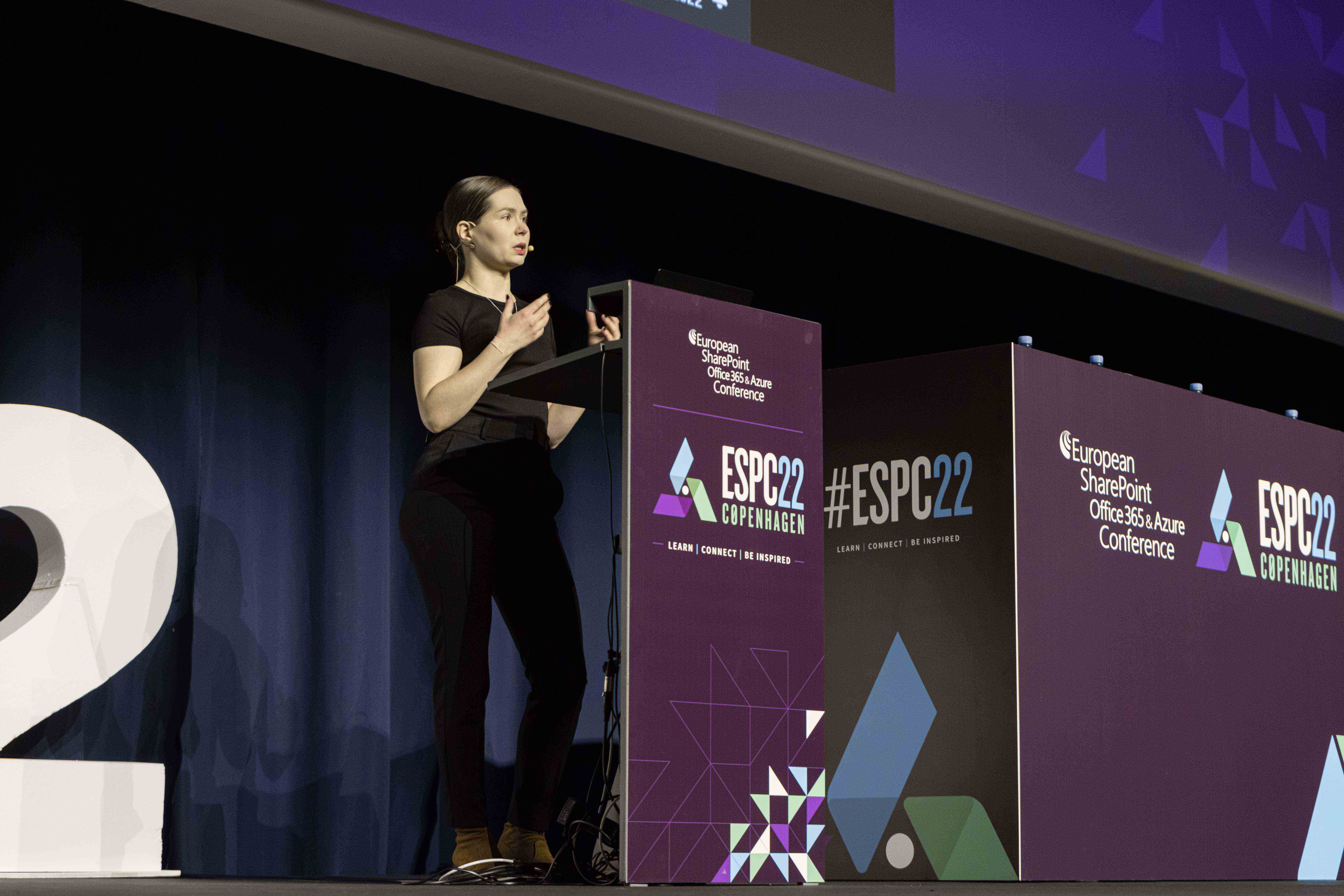
Explore photos from ESPC22 showcasing keynotes, workshops and the vibrant Microsoft 365 community.
Explore photos from ESPC22 showcasing keynotes, workshops and the vibrant Microsoft 365 community.
ESPC22 keynotes featured Jeff Teper on Hybrid Work, Karuana Gatimu on metaverse readiness, Vesa Juvonen on building engaging Microsoft 365 experiences, and Scott Hanselman on mentorship and sponsorship.
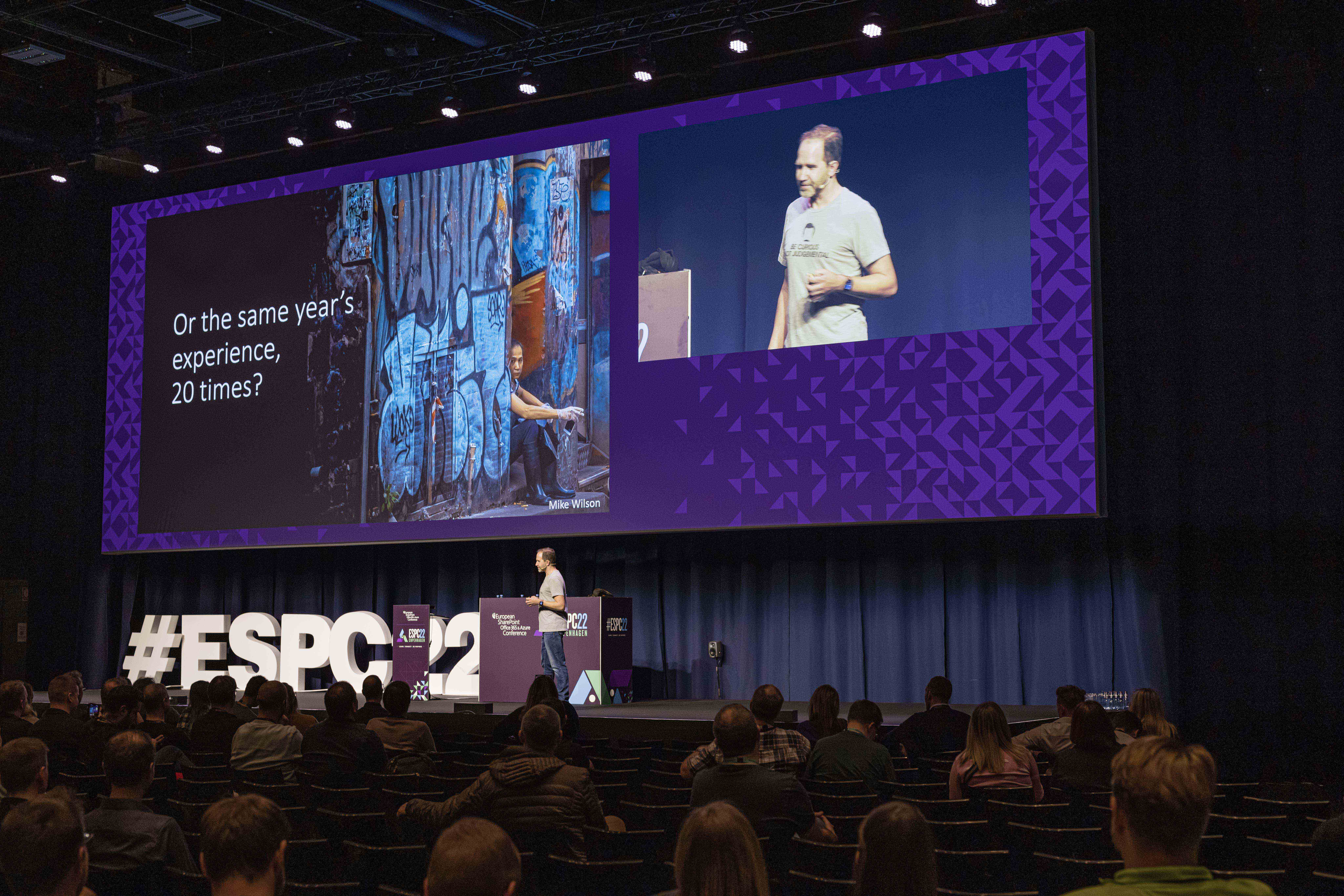
This keynote explored innovation themes around hybrid work, aligning Microsoft 365 capabilities with the future of distributed collaboration.
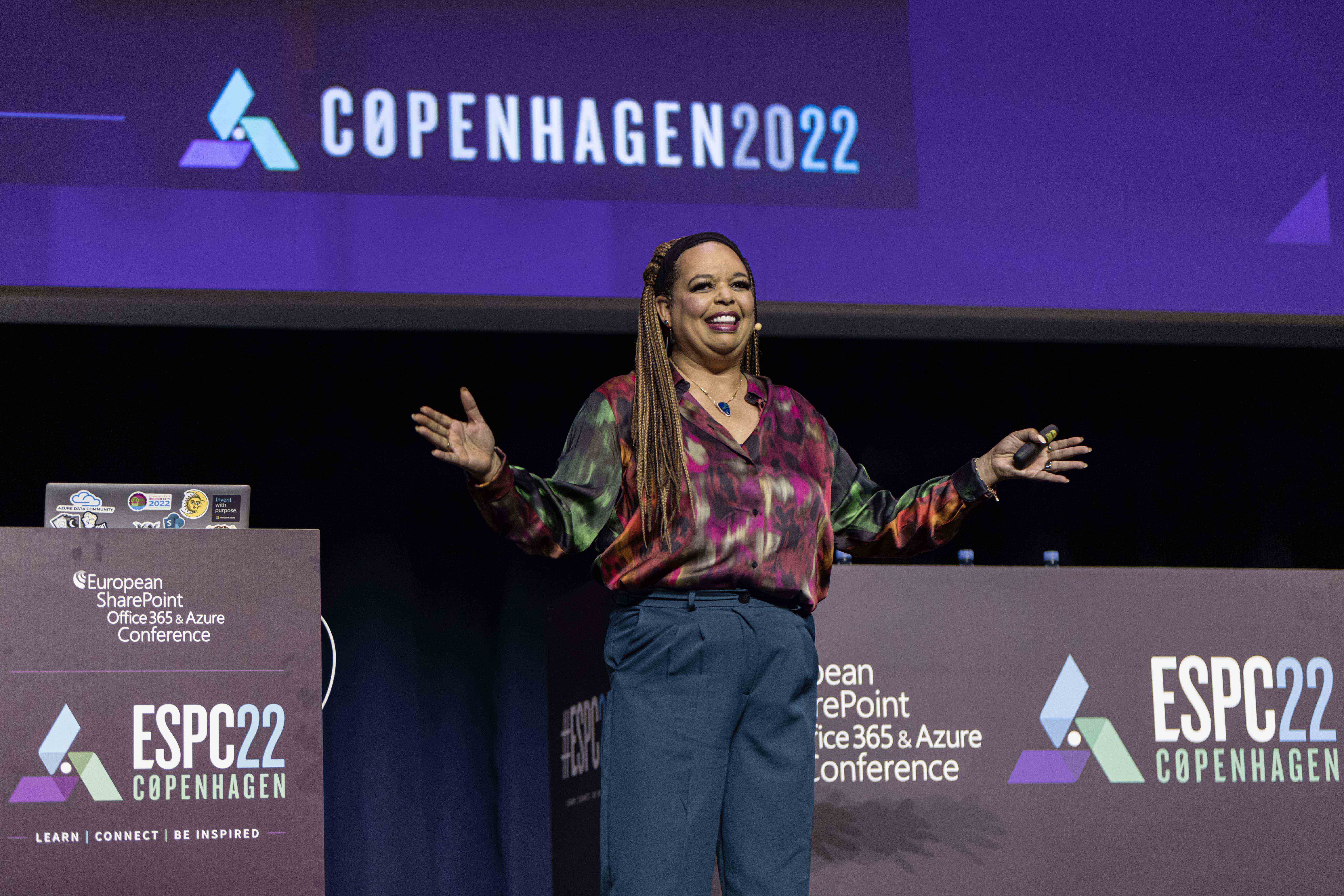
A forward‑looking keynote outlining steps for organisations preparing for emerging metaverse technologies.
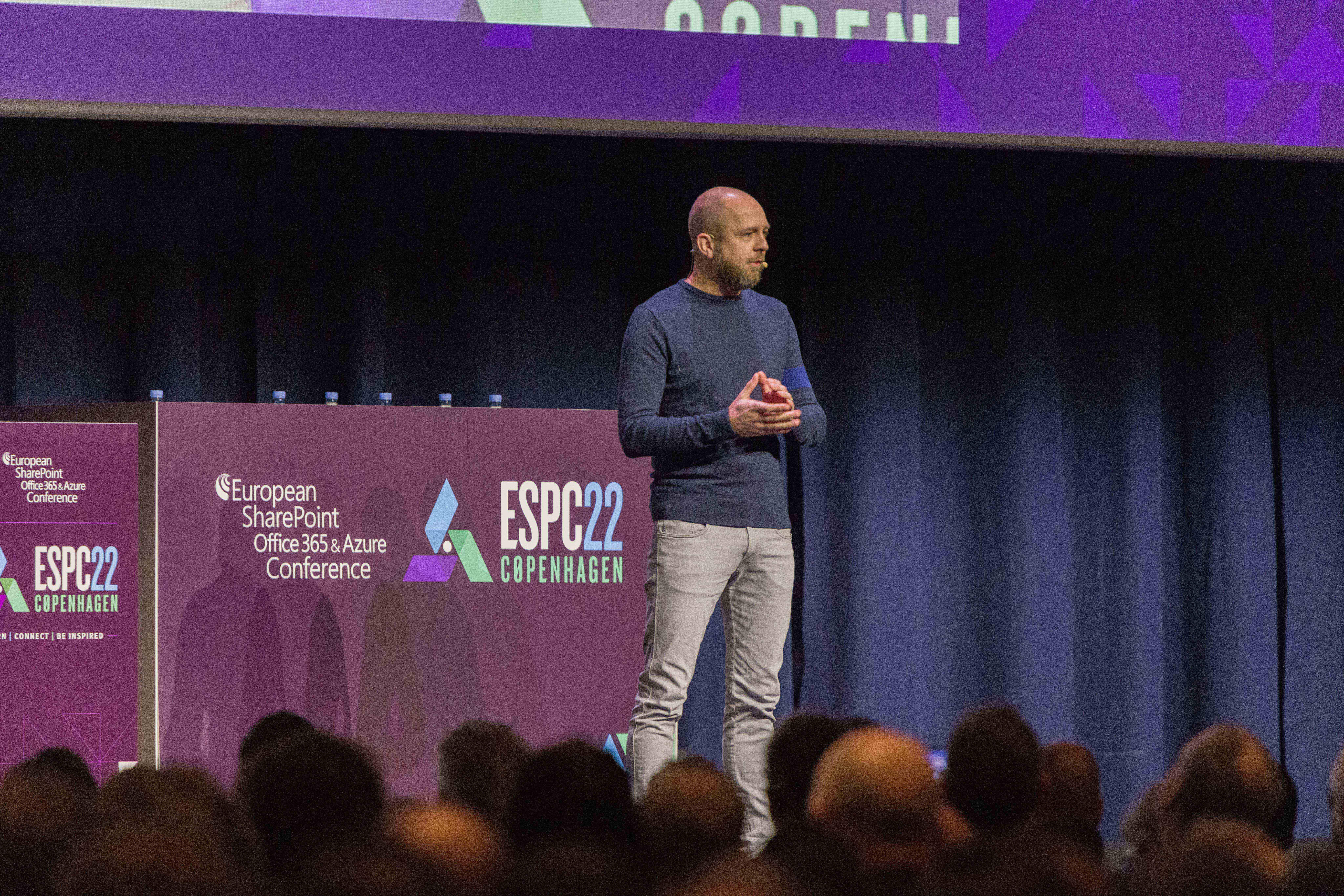
Keynote focused on developing future technology leaders through mentorship and inclusion.
An experience‑driven keynote exploring how to build modern, engaging solutions in Microsoft 365.
Tutorials were led by Aleksandar Nikolić on Azure Arc and Automanage and Susan Hanley on Information Architecture, plus a full‑day Microsoft Viva & Syntex workshop.


ESPC22 featured sessions spanning Microsoft Teams, Microsoft Graph, Syntex content AI, data governance, leadership, CO2 reporting, automation, ALM for Power Platform, security, search, infrastructure as code, and community‑centred personal development. With broad coverage of modern Microsoft 365 and Azure capabilities, the session list reflected the rapid evolution of AI, governance, collaboration tooling and developer.


7 ways how Microsoft Teams can Improve your Employee Experience
Business
Level 100
Microsoft Graph Development with the Python SDK
Dev
Level
Introducing Microsoft Syntex – Content AI for the Microsoft Cloud
Admin
Level 300
Data governance with Microsoft Purview
Dev
Level 300
LEADERSHIP WORKSHOP
Gen
Level
Getting Started with the Microsoft Graph Toolkit
Dev
Level 200
Azure Monitor, Azure Data Explorer and Power BI, Oh My!
Business
Level 300
Taking an Infrastructure as Code Approach to Microsoft 365
Admin
Level 300
A Deep Dive into Achieving a Perfect Secure Score in Microsoft 365 and Azure
Admin
Level 300
Learn why you absolutely belong in your tech career today, tomorrow and in the future.
Gen
Level
SharePoint API’s: What’s New and How Not to get Throttled
Dev
Level 300
Harmonising Microsoft Viva, Microsoft Teams and Microsoft Loop
End User
Level 100
How to Build a Good Vibes Generator for Microsoft Teams
Dev
Level 200
Extend the Power Platform with Custom Connectors
Admin / Business
Level 200
How to Track and Report CO2 Emissions in a £42bn Company using Power BI
Business
Level 100
Create Azure Functions using the new PnP PowerShell (no C# required)
Admin
Level 300
PnP Modern Search – When Microsoft Search doesn’t Cover your Needs
Admin
Level 300
How to Fail in User Adoption: 5 Steps to Mess it All Up
Business
Level 100
How to Execute JavaScript, TypeScript, and Excel Formulas In Power Automate
Dev
Level 300
Automate Phone Number Management in Microsoft Teams
Admin
Level 400
Automating ALM of Power Platform with Azure DevOps
Admin
Level 300
Monitor your Tenant’s Access with Graph and APIs
Admin
Level 300


ESPC Microsoft 365 and AI Conference is designed for those looking to deepen their knowledge and skills in Microsoft 365, AI, and the broader Microsoft tech landscape. Whether you’re an IT professional, developer, business leader, or technology enthusiast, this conference is for you.