EPPC Vienna 2025
Conference Sessions
Maker

How to Style Power Pages
Power Pages
Level Level 200
SPEAKERS
Ulrikke Akerbæk, MVP
Itera Norway
ABOUT THE SESSION
You got your Power Pages site created, but then what? Where to begin with styling? Let me guide you through how to get started with branding – from the simplest level in Power Pages Studio Styling Workspace to the most advanced with SCSS in Visual Studio Code and Microsoft Power Platform CLI.
Benefits of Attending this Session:
1. Learn what you can do with styling in the Power Pages Design Studio
2. How to add a logo, change colors and add fonts.
3. How to upload custom CSS files.
MEET THE SPEAKERS
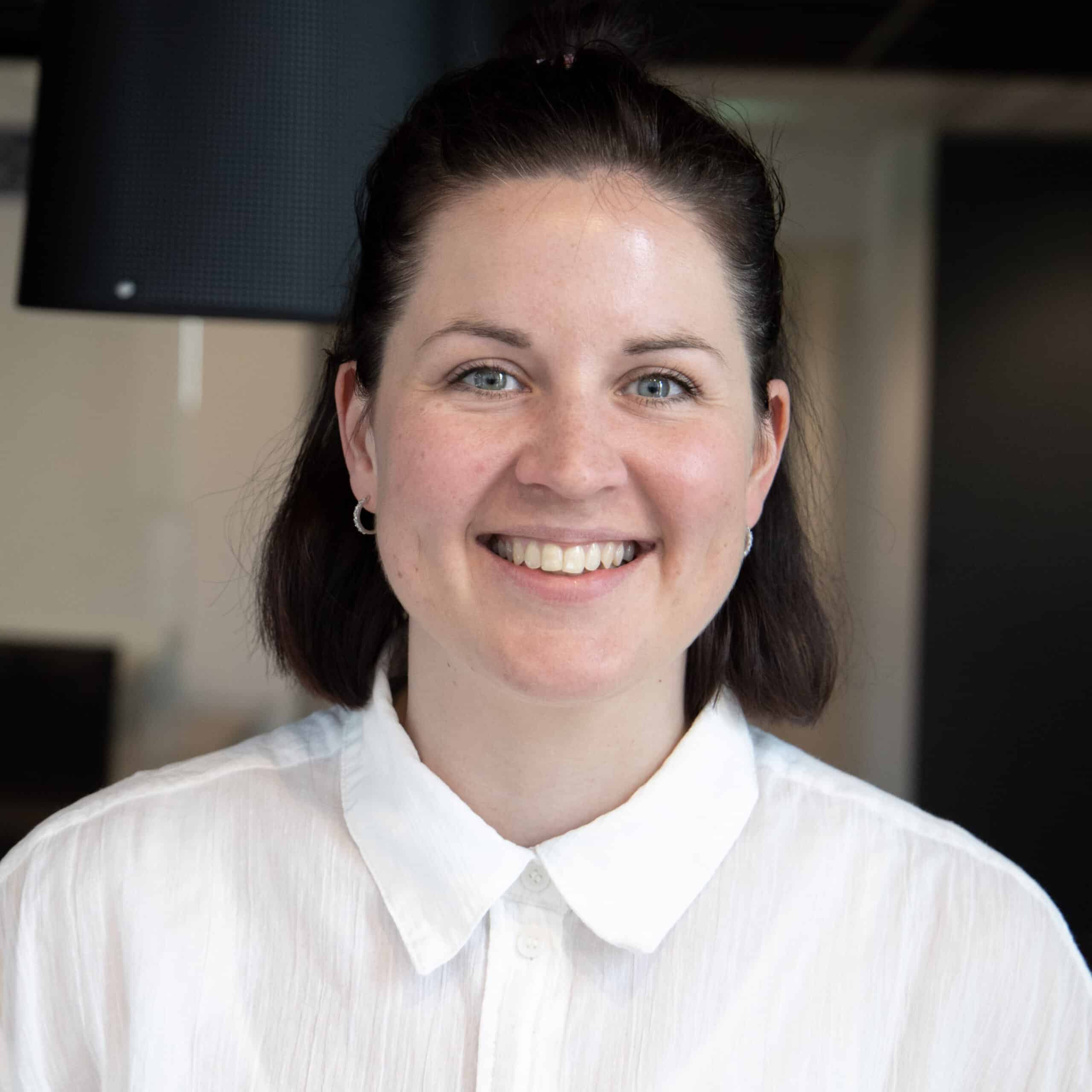
Ulrikke Akerbæk, MVP
Itera Norway