








ESPC 2023 Gallery
Relive the highlights of ESPC23 by looking through our photo gallery!
Explore the ESPC23 gallery to relive keynote moments, tutorials and community interaction throughout the event.

ESPC Amsterdam26
RAI, AMSTERSAM, 30 NOV - 03 DEC, 2026
European Power Platform Conference
BELLA CENTER, COPENHAGEN, 29 JUN - 02 JUL 2026
European Microsoft Fabric + SQL Community Conference
BARCELONA, SPAIN, 28 SEP - 01 OCT, 2026



Explore highlights, keynotes, tutorials and sessions from ESPC23.
ESPC23 highlighted a major shift towards AI‑driven productivity, modern collaboration and advanced automation across Microsoft 365 and Azure. The conference placed strong emphasis on Copilot, Microsoft Graph integrations, Syntex content intelligence and AI‑augmented development.
Keynotes showcased transformations in workplace productivity, organisational performance in the AI era, and the future of data and intelligence. Tutorials provided hands‑on learning in Teams app development, multimodal AI models, and Microsoft Purview governance. Sessions explored conditional access, custom connectors, DevOps automation, adaptive card extensions, repository services, content assembly, microservices and converged communications.
Across business, admin and developer tracks, ESPC23 demonstrated the growing capabilities of AI‑enhanced tooling, secure collaboration frameworks and intelligent content workflows shaping the next generation of digital work.
Watch the ESPC23 highlight video and experience the energy, innovation and community spirit of ESPC23.
Relive standout keynotes, engaging sessions and unforgettable moments from across the event.
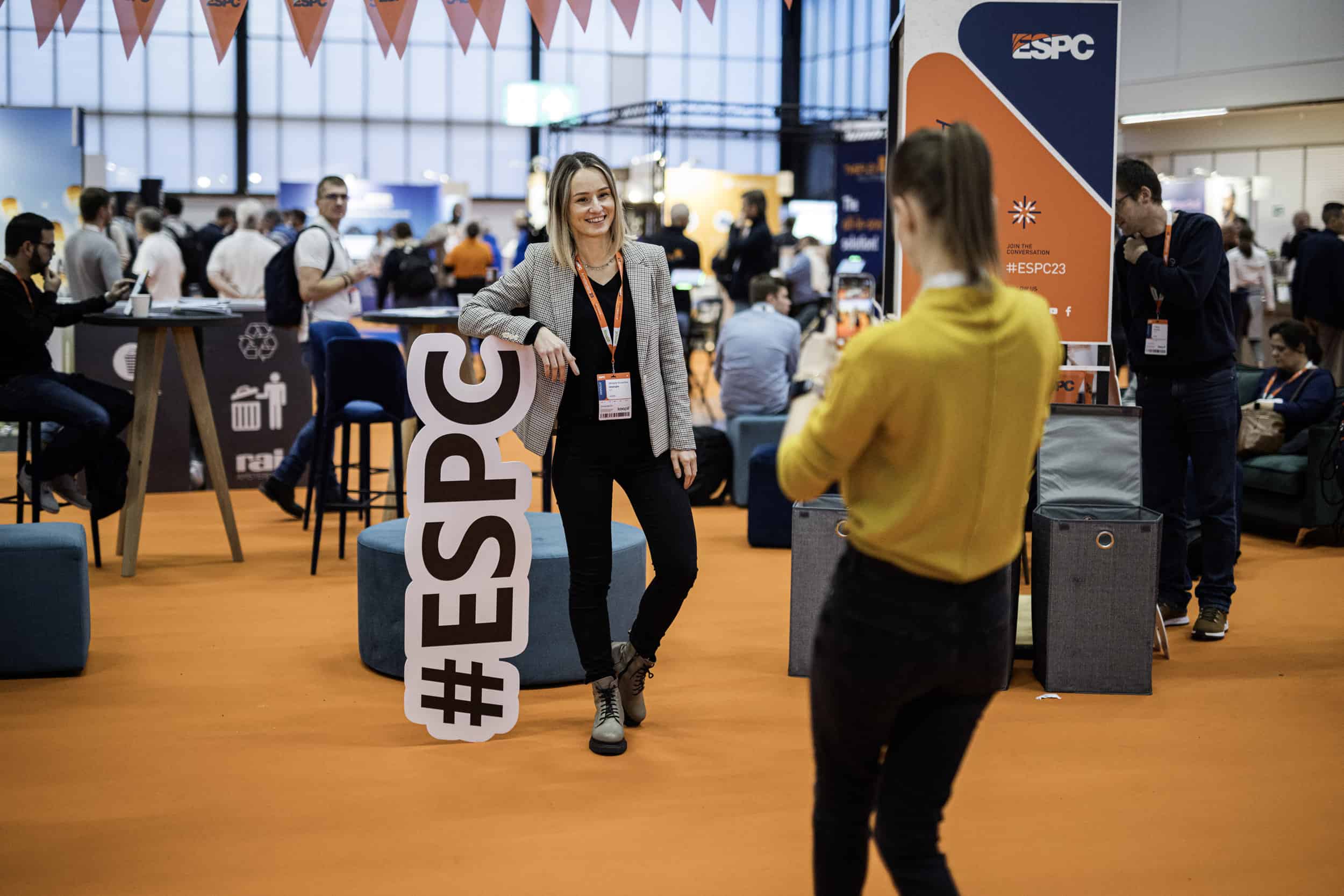
Relive the highlights of ESPC23 by looking through our photo gallery!
Explore the ESPC23 gallery to relive keynote moments, tutorials and community interaction throughout the event.
Relive the highlights of ESPC23 by looking through our photo gallery!
Explore the ESPC23 gallery to relive keynote moments, tutorials and community interaction throughout the event.
ESPC23 keynotes featured experts Jeff Teper, Omar Shahine, Adam Harmetz, Jason Moore, Michel Bouman, Miceile Barrett, Denise Trabona, Dona Sarkar, Karuana Gatimu and Rafal Lukawiecki, sharing insights on AI, Copilot, cybersecurity and the future of workplace intelligence.
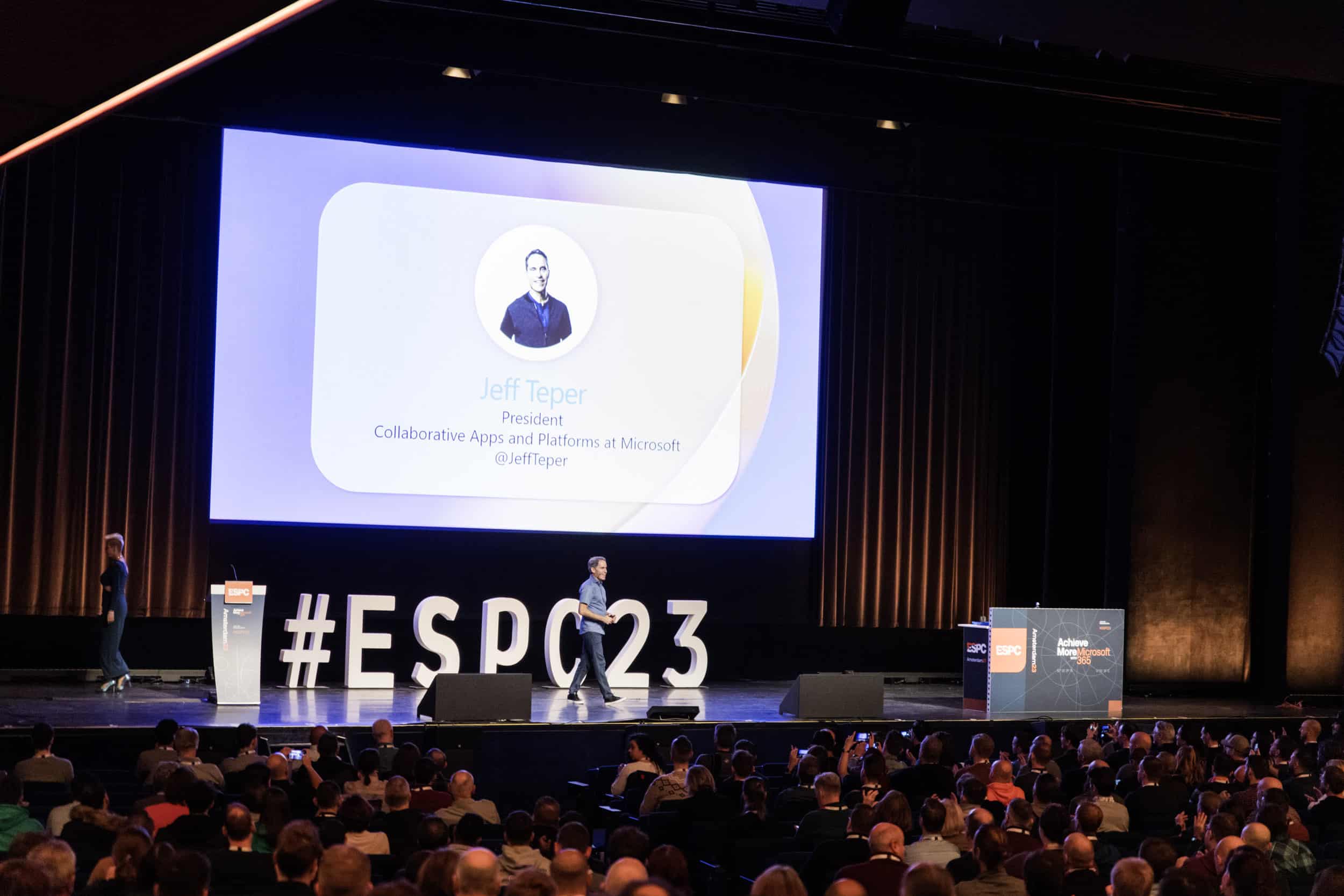
Jeff Teper, Omar Shahine, Adam Harmetz, Jason Moore, Michel Bouman, Miceile Barrett and Denise Trabona discussed how AI is reshaping collaboration, productivity and business processes across Microsoft 365.
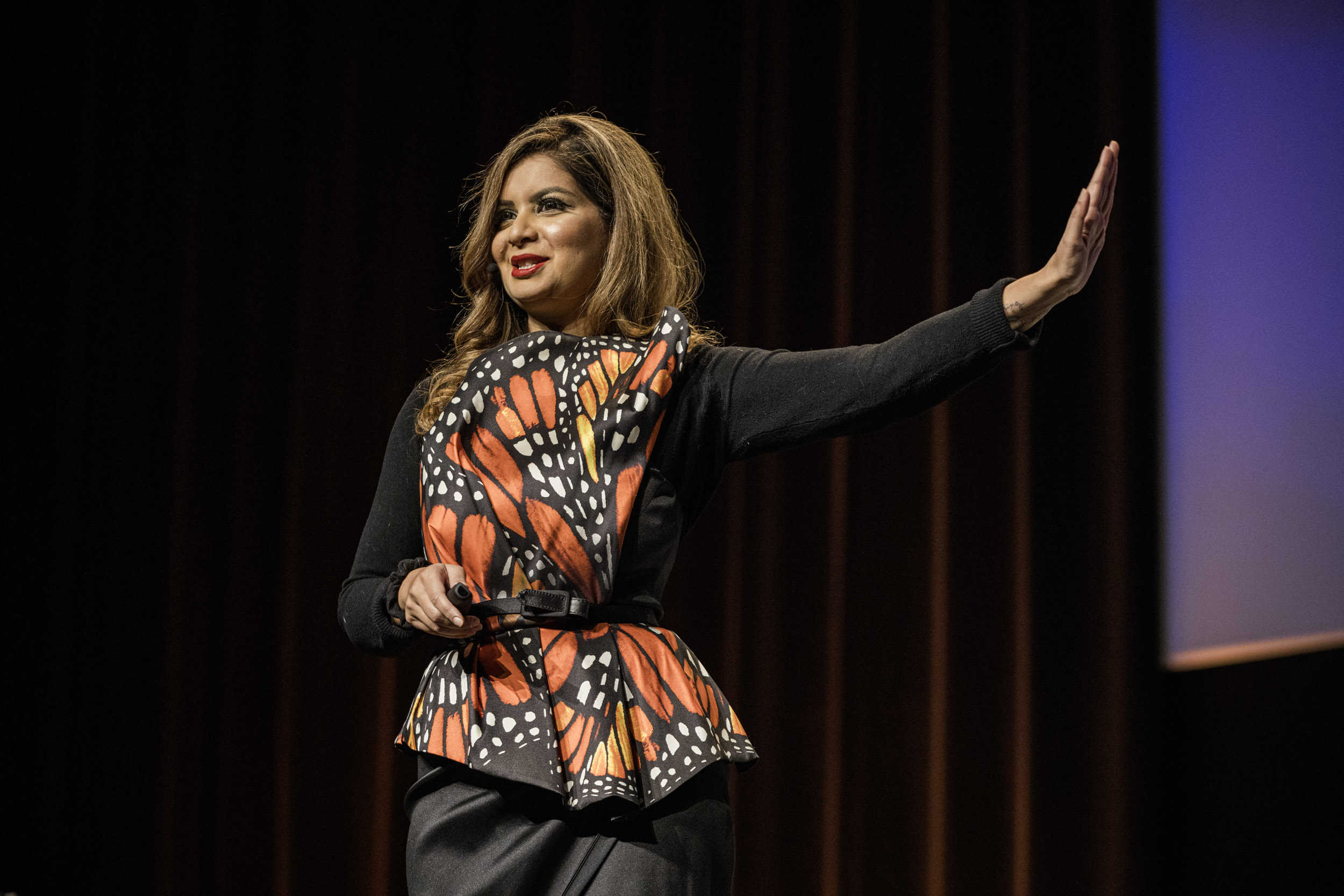
Dona Sarkar explored the impact of Copilot, AI innovation and practical readiness for organisations adopting intelligent assistants.
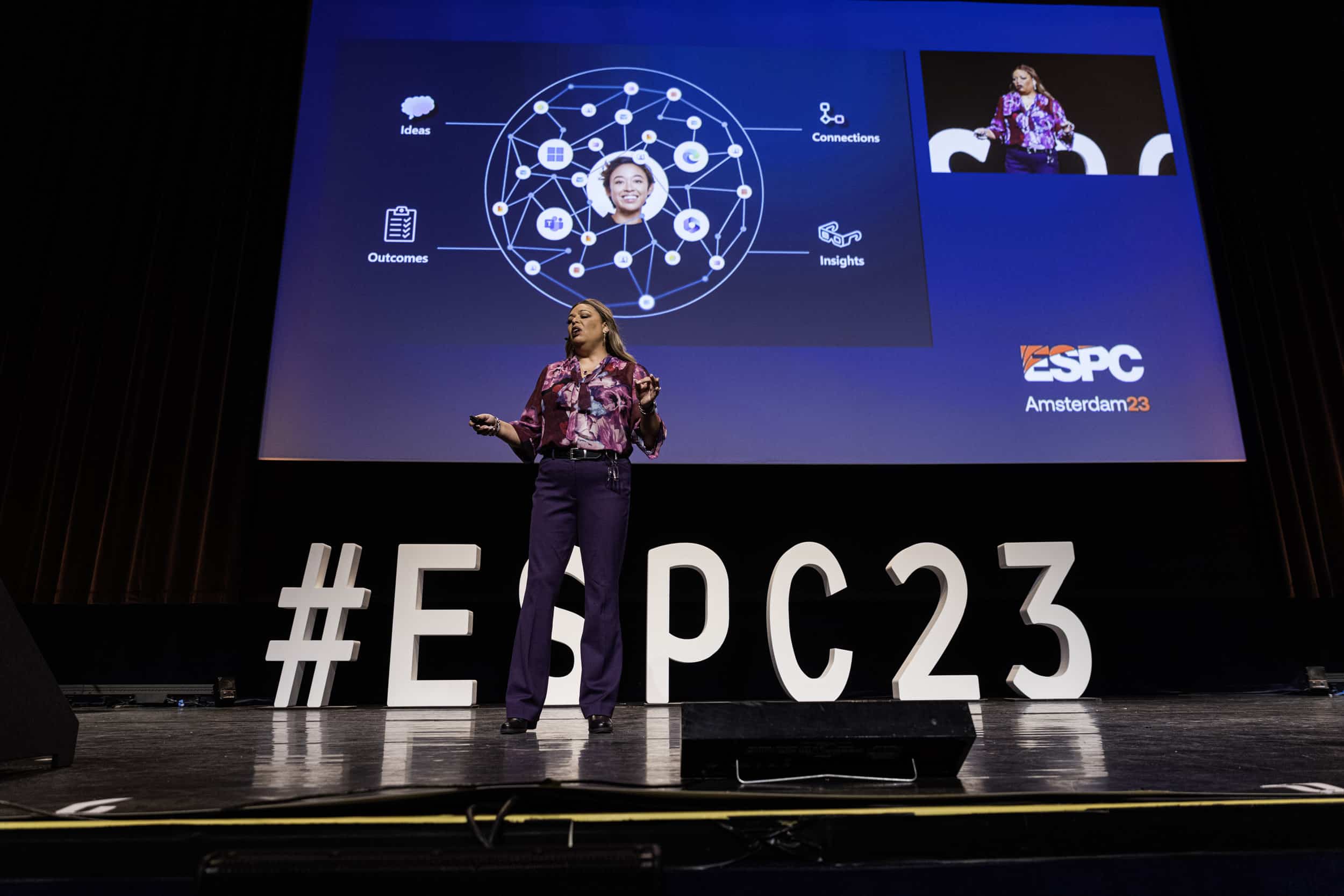
Karuana Gatimu outlined strategies for building high‑performance teams supported by AI‑driven tools, insights and improved collaboration.
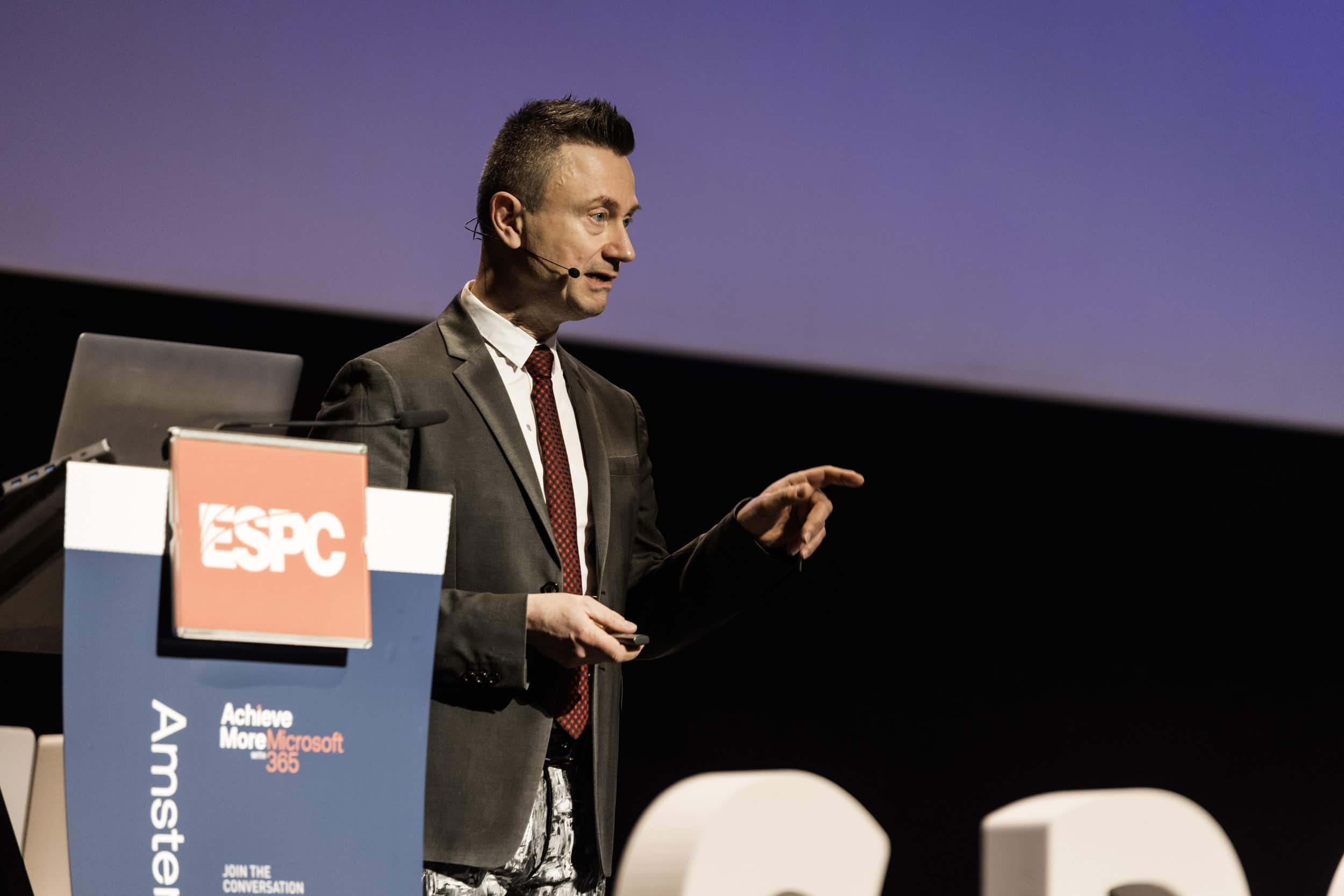
Rafal Lukawiecki examined long‑term trends in data, intelligence and technological disruption, highlighting AI’s accelerating role.
ESPC23 tutorials were led by Garry Trinder, Andreas Erben, Joanne Klein and Martin Lingstuyl, providing hands‑on training in Teams app development, multimodal AI, digital records management and Power Platform‑powered intranet capabilities.

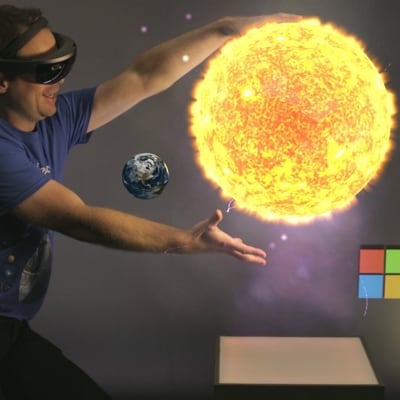
An in-depth overview of modern AI models, covering large language models, image generation, and multimodal AI, with practical guidance on use cases, prompt engineering, APIs, and real-world integration.


A deep-dive into planning and implementing compliance and retention strategies using Microsoft Purview, with real-world scenarios, automation approaches, and best practices for scaling governance in organizations.
ESPC23 sessions spanned AI, Microsoft Graph, security, Teams architecture, Syntex capabilities, Power Platform automation, DevOps, repository services, adaptive cards, modern intranets, microservices and more. The programme delivered deep technical insight from Microsoft engineers and MVPs, demonstrating the rapid evolution of Copilot, intelligent content services and cloud‑native enterprise architectures.


Copilot for Microsoft 365
IT Professional
Level 200
Microsoft Entra Id Conditional Access Demystified
Admin
Level 300
Azure DevOps vs GitHub Actions for Power Platform
Admin / Maker
Level 200
Unveiling Highlights and Innovations in Dynamics 365 and Copilot
IT Professional
Level 100
What’s New and Next for Microsoft Search in the Land of AI
Admin / Business / End User
Level
Transform your Cloud Content Experiences: Introducing Microsoft SharePoint Premium
Admin
Level 200
Unlocking Scenarios with Microsoft Graph Using OpenAI and ChatGPT
Dev
Level 300
Microsoft Syntex Deep-Dive – from AI Document Understanding to Content Governance
Admin / Business / Dev
Level 200
Developing Adaptive Card Extensions using the SharePoint Framework
Dev
Level 200
Automated Testing for Microsoft 365 with Playwright
Dev
Level 300
Integrate ChatGPT into SPFx and Power Platform solutions with OpenAI and Azure OpenAI
Admin / Dev
Level 300
Microsoft Converged Communications: Microsoft 365 Copilot, Teams Rooms, and Teams Premium
IT Professional
Level 100
The Intranet of Tomorrow: Beautiful, Flexible, and AI-Ready
IT Professional
Level 100
Advanced Hunting across Microsoft 365 Defender and Microsoft Sentinel
Admin
Level 300
Go Full Lifecycle of Employee Onboarding with Microsoft Viva
Level
Meet Microsoft Loop
Level 200
From Data to Documents: How Microsoft Syntex Content Assembly Can Transform Your Business Processes
Admin / Business
Level 300
Introducing Microsoft Syntex Repository Services: Build Apps With Microsoft 365 Features
Level 300
Teams First Information Architecture
Admin / Business
Level 200
Your Microservices, Supercharged!
Dev
Level 300


ESPC Microsoft 365 and AI Conference is designed for those looking to deepen their knowledge and skills in Microsoft 365, AI, and the broader Microsoft tech landscape. Whether you’re an IT professional, developer, business leader, or technology enthusiast, this conference is for you.

